Reminders and milestones
Updated
Payment reminders
PayoffPilot can remind you before a payment is due.
- When you add a debt with a due date, a reminder is scheduled automatically.
- You get a notification 3 days before each payment is due.
- The notification includes the debt name, the institution and the amount.
- When you pay off a debt, its reminders are canceled.
To turn them on, open iPhone Settings, tap PayoffPilot, tap Notifications, and allow notifications. Reminders are scheduled on your phone. Nothing goes through a server.
Milestones
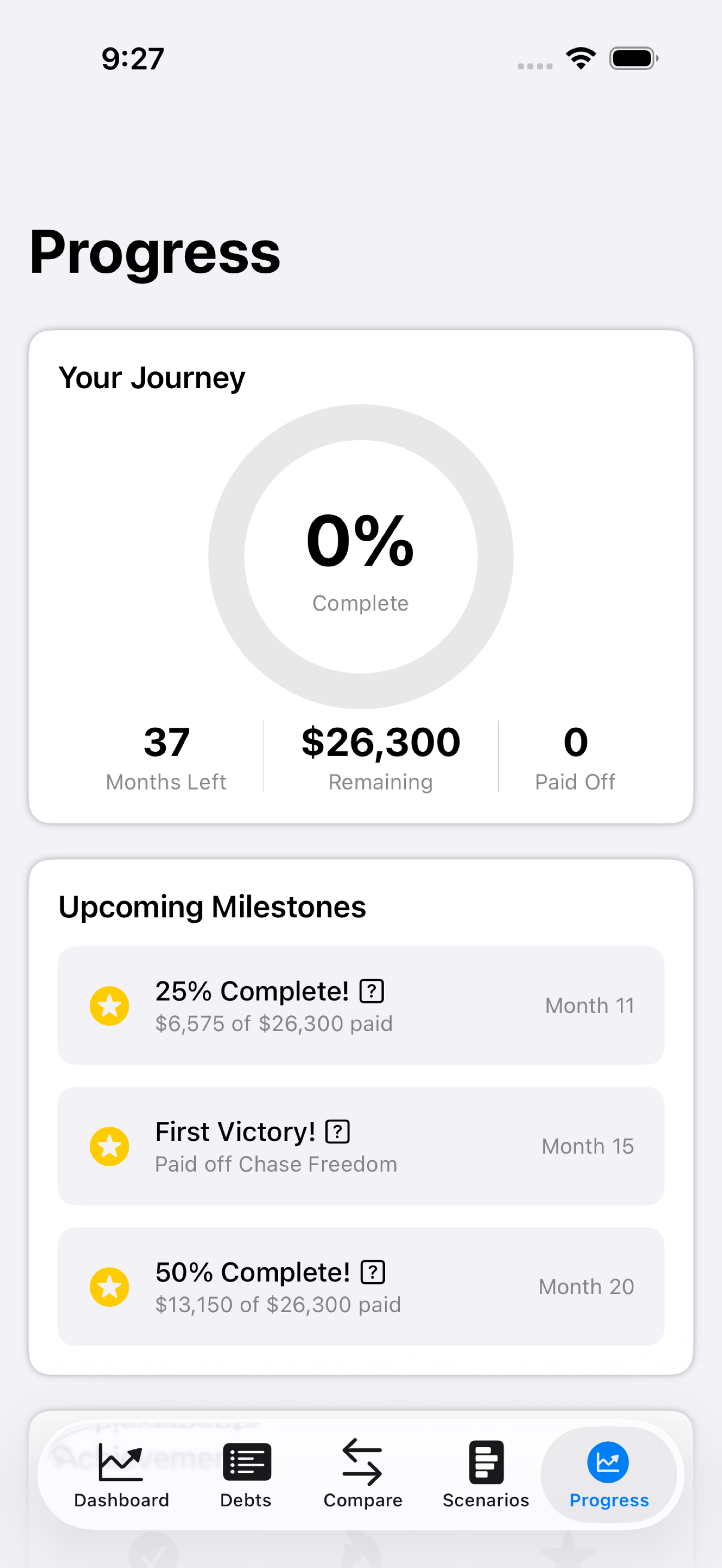
PayoffPilot marks your progress with confetti and achievements:
- First Payment: log your first payment.
- Debt Paid Off: completely eliminate a debt.
- 25% Complete: pay off a quarter of your total debt.
- Halfway There: reach 50%.
- 75% Complete: almost debt-free.
- All Debts Free: the big one.
Still stuck?
Email support@bigbeardapps.com and a real person at Big Beard Apps, the studio behind PayoffPilot, will answer.
Email support