Run what-if scenarios
Updated
The Scenario Simulator lets you test a change before you commit real money to it. It’s part of PayoffPilot Pro.
Try one
- Go to the Scenarios tab.
- Look at your current baseline payoff plan.
- Enter an extra monthly payment amount, for example $200.
- Optionally add a one-time windfall amount.
- Tap Run Scenario.
- See how much time and interest you’d save.
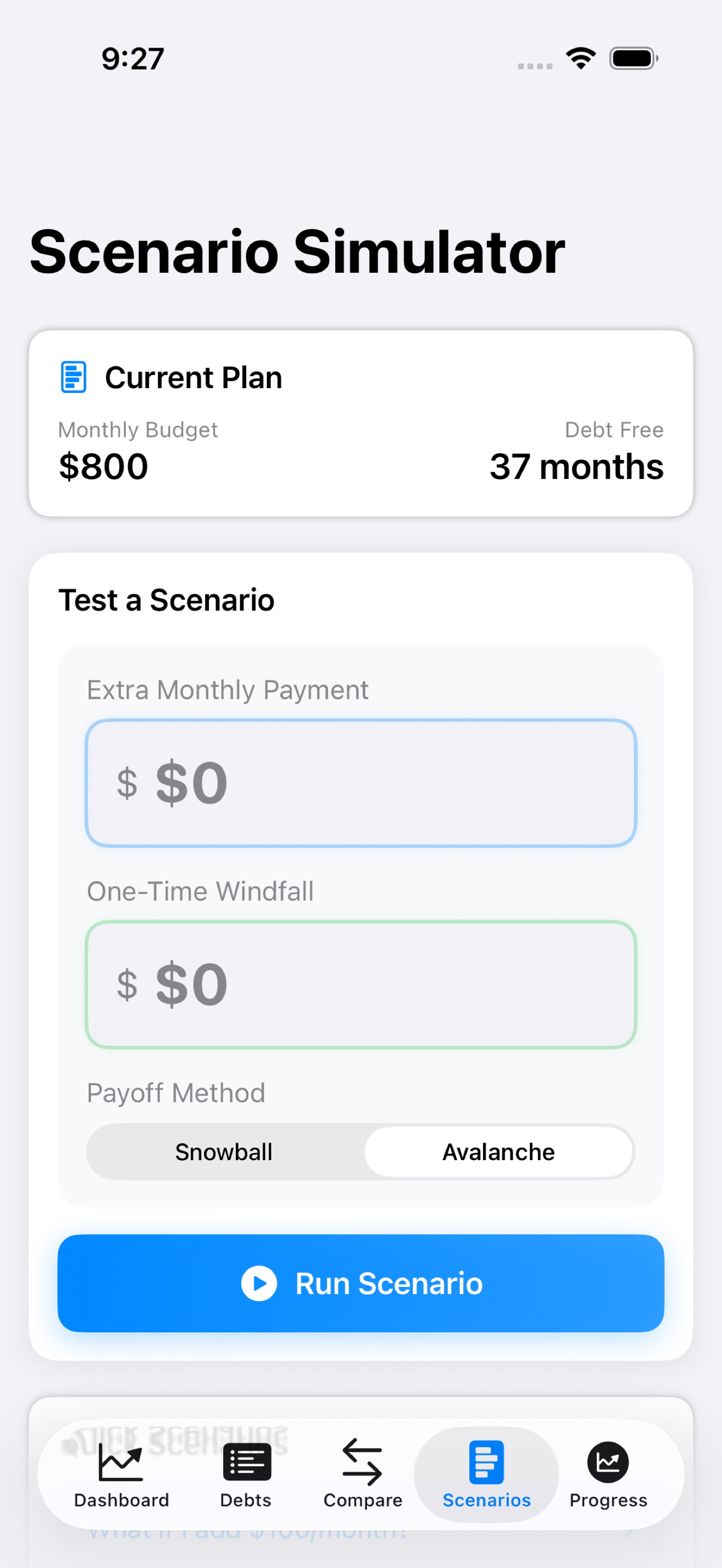
Say a tax refund is coming. Drop it in as a windfall and watch the debt-free date move. Nothing changes in your real plan until you actually make the payment and log it.
Still stuck?
Email support@bigbeardapps.com and a real person at Big Beard Apps, the studio behind PayoffPilot, will answer.
Email support